CRM for mobile laser tag: bookings, equipment and instructors
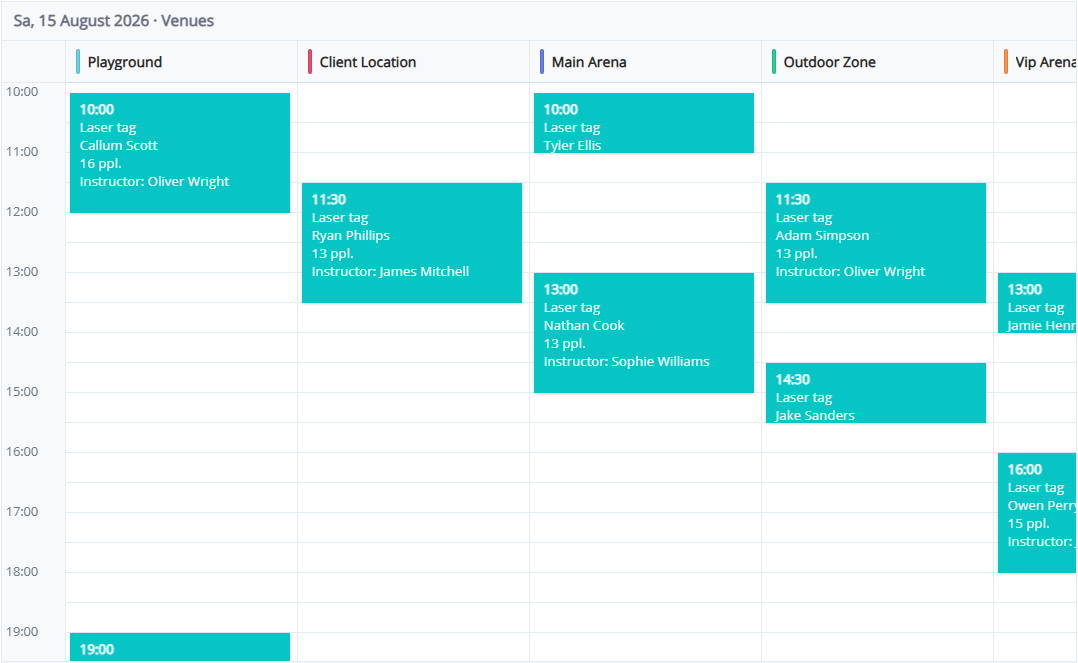
A mobile laser tag event starts well before the first game. The team needs an address, the agreed programme, enough working equipment and a clear schedule. Details spread across private messages make handovers difficult, especially when several instructors run events on the same day.
LASERWAR CRM brings bookings, customer records, equipment and instructor assignments into one system. The first step is agreeing which information every administrator must record before an event is passed to the delivery team.
Keep event details in one booking
Record the organiser, date, start time, duration and player count. Add the event address, access instructions, age group and agreed programme to the booking notes. “Birthday party” alone is not enough information for the instructor.
Consider an illustrative booking for 12 players at a countryside venue. The administrator records the arrangements and assigns an instructor. The team can then review one booking rather than reconstruct the event from several conversations.
Allow time for travel and preparation
Game duration is not the same as the time the team is unavailable. Preparation, loading, travel and packing away all need space in the working schedule. Avoid placing consecutive mobile events back to back.
Use the calendar to review bookings, but plan travel separately: CRM should not be presented as a route optimiser. A short preparation checklist makes responsibilities clear before departure.
Check equipment and kits
Keep equipment records and kits organised so administrators understand what each event needs. Before confirming a large group, check working stock and other bookings for that period. Include batteries, spare equipment and transport in the preparation checklist.
An equipment record does not replace a physical inspection. Assign responsibility for checking condition and recording repairs before items go back into service.
Agree how the booking is confirmed
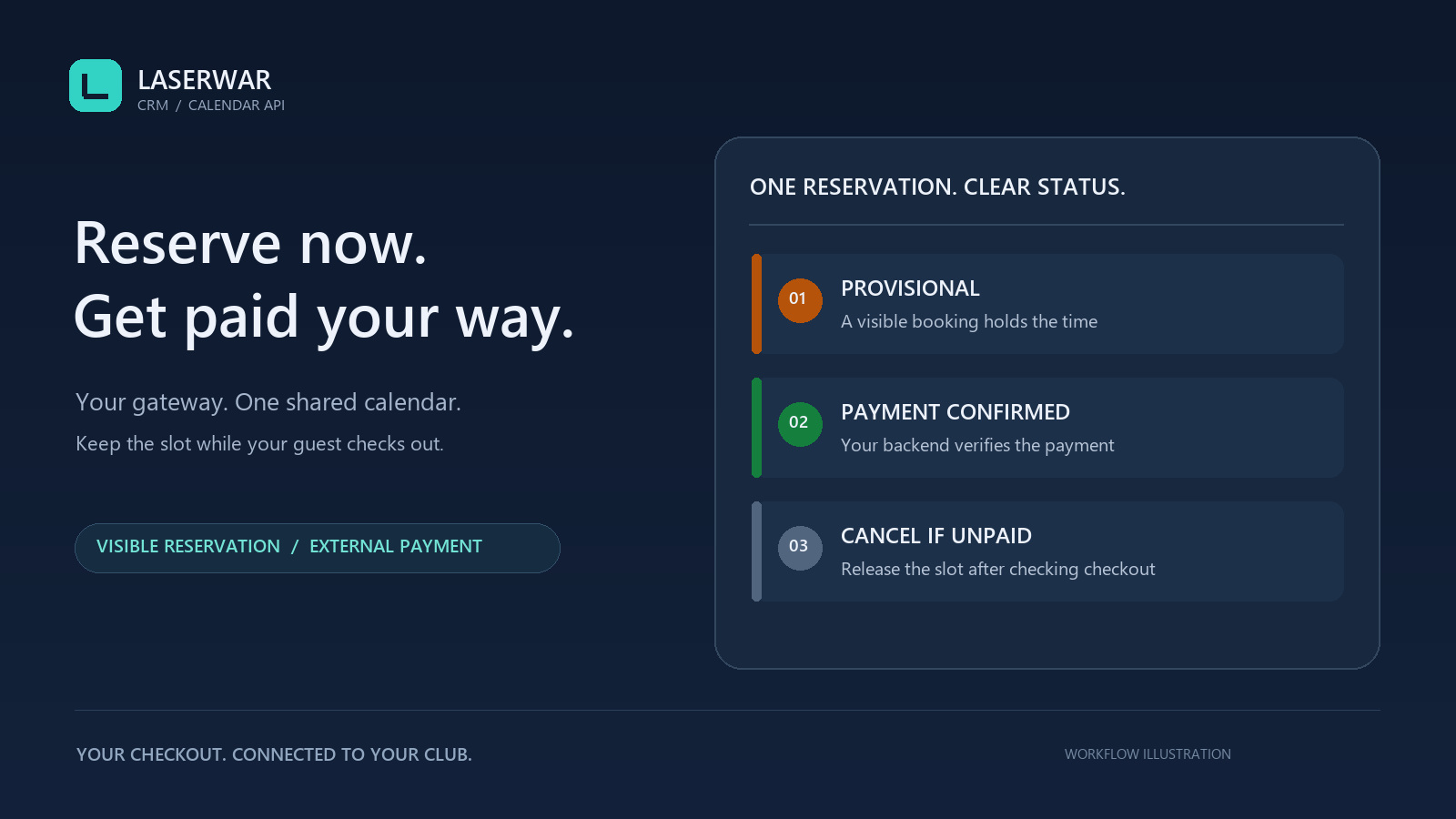
A mobile event reserves staff time and equipment. Agree the deposit, its deadline and the cancellation or rescheduling conditions with the organiser. Where an appropriate payment provider is connected, a payment link can support this workflow.
Payment-provider availability depends on the club and its country. Do not assume that the Russian acquiring providers offered in the system can serve every international operator. Sending a link is also not evidence that a deposit has been received.
Close the loop after the event
Before departure, check the address, programme, player count, payment and instructor. After the game, record changes and settle outstanding amounts. The customer history gives the next administrator context when the organiser books again.
Start with one event in the LASERWAR CRM demo. Check whether the workflow covers your actual handover before introducing it across the team.