Provisional bookings with your own payment gateway
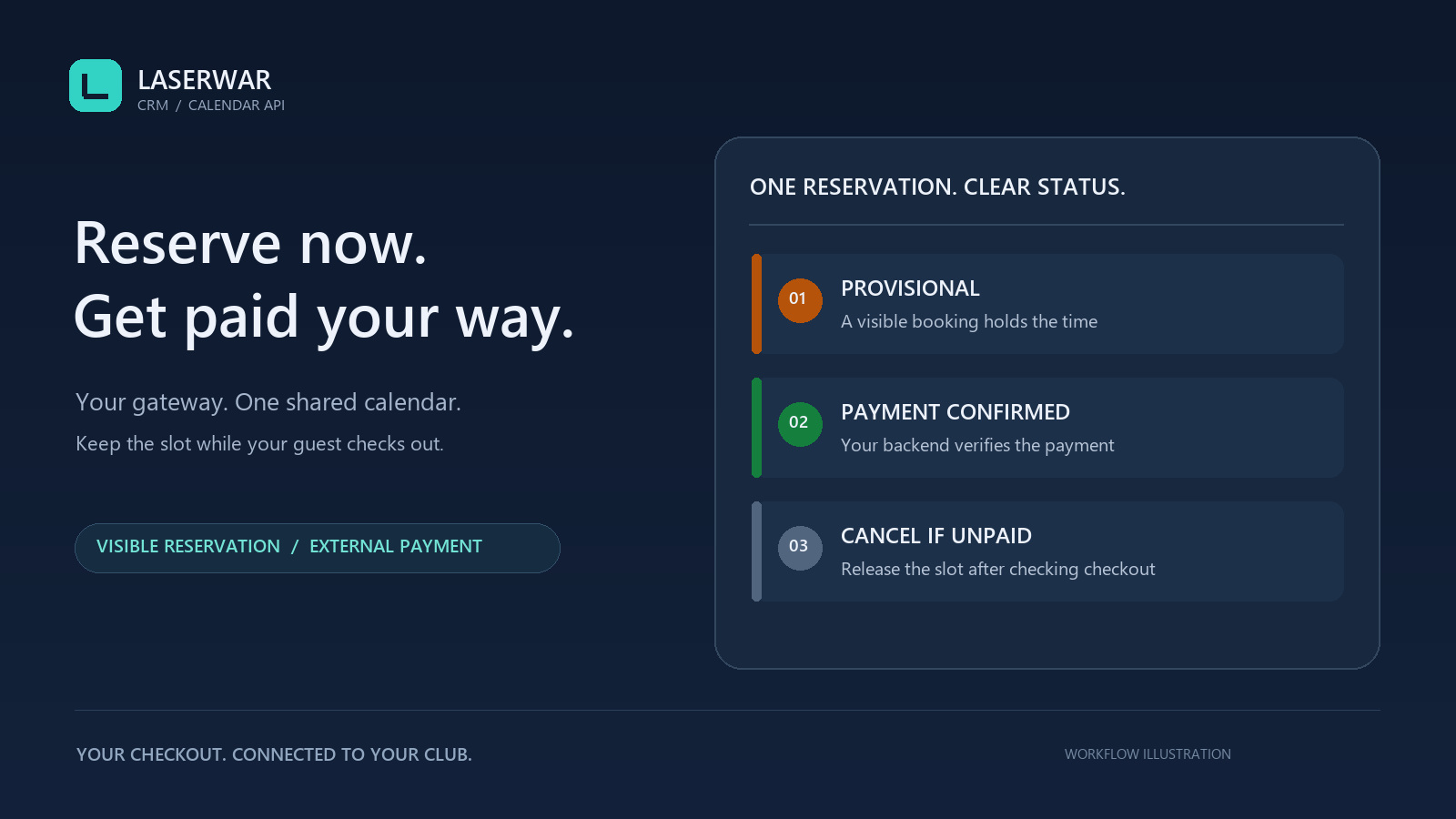
Keep the payment gateway your website or app already uses and connect checkout to the LASERWAR CRM calendar. Create a provisional reservation before payment, confirm a verified transaction, or cancel an unpaid booking.
A booking your team sees immediately
A provisional reservation creates a CRM order and occupies one event place on the venue. It appears in amber by default, including calendar views coloured by instructor or venue. Owners can edit the status label and colour.
The API checks the shared schedule, working hours, breaks, full duration and parallel venue capacity. If the last place has been taken, your app receives a conflict before starting payment. Instructor shifts and unassigned equipment require separate resource planning.
Your gateway, connected to CRM accounting
Your backend verifies the final successful payment with its provider and confirms it to CRM. The actual amount is recorded once in an active services register, and the same order becomes prepaid or fully paid. Repeating the same confirmation does not create a second receipt.
CRM trusts the authorized integration server. Your developer verifies webhook authenticity, transaction-to-order binding, amount, currency and final capture. CRM does not query your external gateway. This version supports one agreed payment in integer RUB; additional payments and refunds are separate processes.
Release an unpaid slot after checking checkout
Once your server establishes that no gateway transaction can still complete, it can cancel an unpaid reservation. The slot becomes available and order history remains. Reservations do not expire automatically: an uncertain payment outcome keeps the slot reserved until reconciliation.
Reservation cancellation does not cancel or refund a gateway transaction. Confirmed payments need a separate refund and reconciliation process. A late payment notice cannot reactivate a cancelled reservation.
Connect your app
- Open Settings → Calendar API as the owner and check working hours, venues and time zone.
- Create a dedicated key with reservation, external payment and cancellation permission. Existing keys receive no new permissions automatically.
- Prepare an active services register. Give your developer the club URL and documentation, keeping the key only in backend secrets.
- Implement creation, status reads, confirmation and cancellation, including safe retries and unavailable-slot handling.
Owners can review pending reservations in API settings and cancel them after checking their gateway, including after revoking the integration key.