Book a group from the waiting list How to fill an opening on your schedule
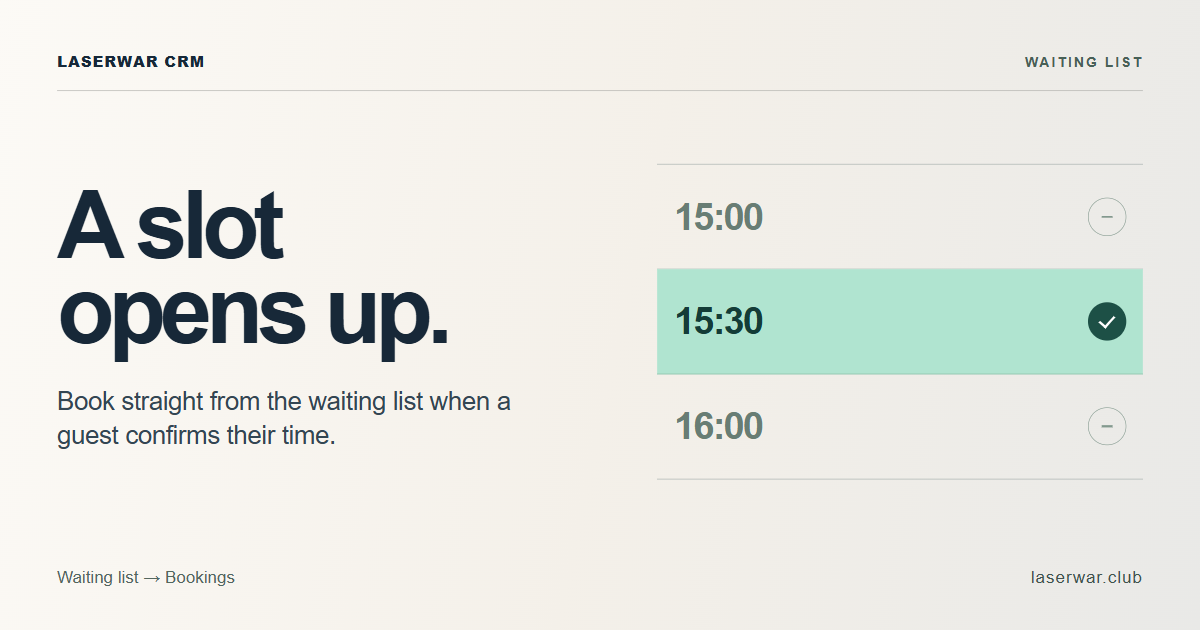
When a slot opens up, staff can make a booking from the waiting list. The form carries over the guest’s name, phone number, preferred date, venue, number of players and notes.
Book a group from the waiting list
- Open the waiting list under Orders. Find the request and select Actions. On a phone, the menu sits at the bottom of the guest’s card.
- Select Create booking. Check the guest details, set the duration and choose an available start time. The guest’s requested time window appears beside the time field.
- Save the booking. This closes the request. If the guest needs more time or someone else books the slot, the request stays on the list.
If the guest no longer needs a game, select Actions, then Close request.
Checking the till at the end of a shift
On the orders screen, Current register balance is the sum of the balances in the club’s cash registers. Net movement for all time shows receipts minus expenses for cash and non-cash transactions separately.
The homepage also lists the two introductory periods. Open the 14-day demo to explore the CRM, or select Get Start free for 3 months to open registration with Start selected.