The calendar API is here connect your own app to the CRM schedule
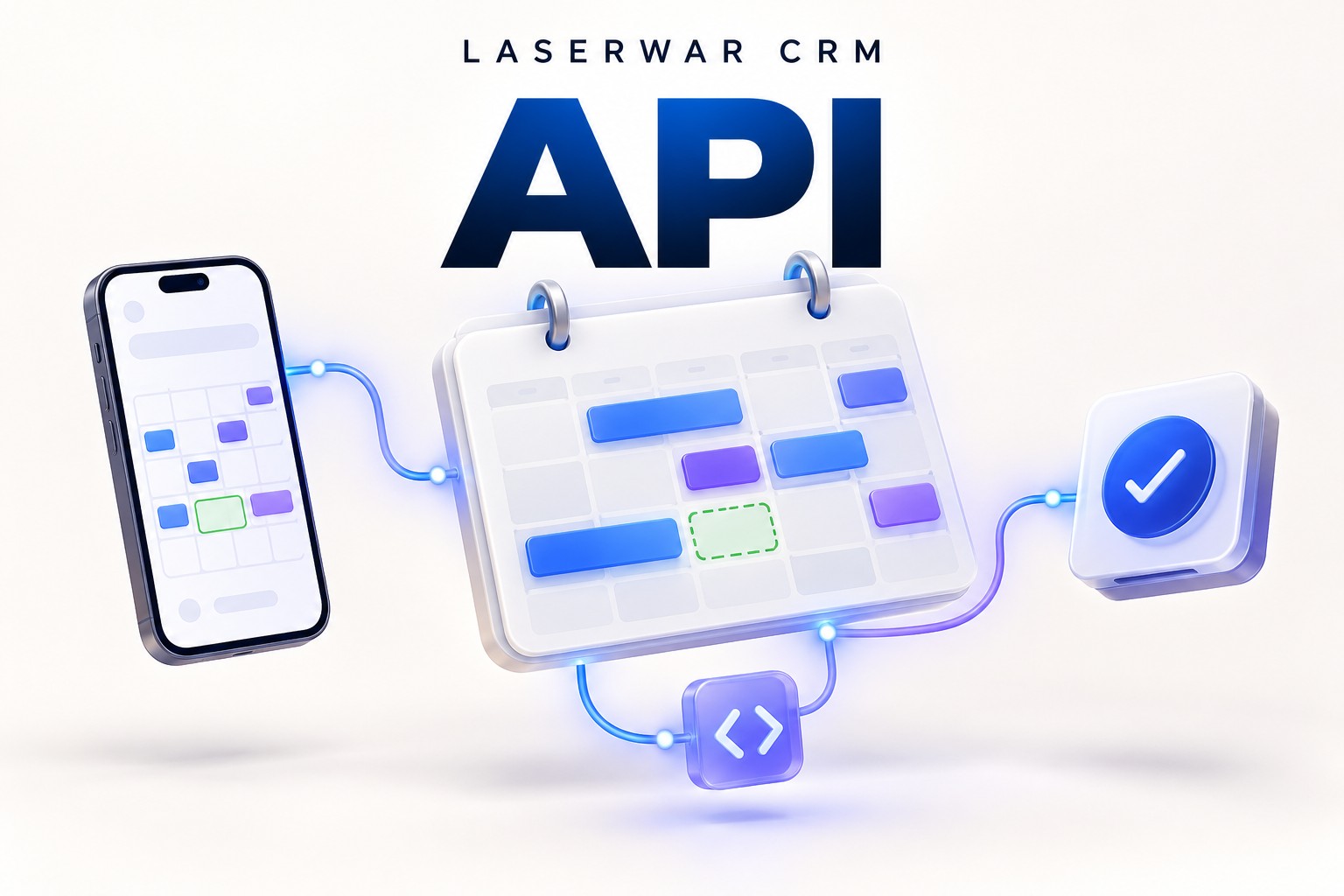
A guest chooses a party in your app, pays a deposit and only then discovers that the time is already taken in the CRM. To check the schedule before checkout, we have released the LASERWAR CRM calendar availability API.
Your website, mobile app or microservice can now request available dates and specific time slots from the CRM. Staff keep using the familiar calendar while your external software reads its availability. A developer implements the connection module; installing two applications alone does not connect them.
Two applications, one club schedule
Staff can take phone bookings in the CRM while guests choose a time on your website. Your app requests availability for the venue, full event duration and group size. If a day has no suitable slots, it can be disabled before the guest proceeds to payment.
The API accounts for group bookings and the new open games, working hours and days, breaks, cancellations and active payment holds. If a venue allows two simultaneous events, one booking leaves the other unit of capacity available.
What you can connect
- A deposit form. Offer suitable times and recheck the full interval before checkout instead of discovering a conflict after payment.
- Your own website or mobile app. Keep your design and customer journey while reading availability from the CRM.
- Multiple club services. Give different applications separate keys for the same club so they all consult the shared calendar.
- Automation and assistants. Suggest the nearest suitable times or connect your own backend service.
- Available-slot analysis. Use future availability in your own planning screen. This API does not export revenue, payment history or ready-made analytics reports.
Choose your payment workflow
| Workflow | How it works |
|---|---|
| Keep payments in your own app | Your backend reads availability and checks it before checkout. Another visitor can still take the time between that check and an external payment: reading availability does not hold capacity. |
| Use CRM holds and payment links | The CRM atomically checks and temporarily holds an interval, then issues a payment link. A bank-confirmed payment turns into a paid CRM request. This needs a prepayment-enabled key and configured CRM online payments. |
Closing the bank page after checkout starts is not a cancellation: capacity stays held until the bank confirms the outcome. The current API has no endpoint for confirming an arbitrary payment collected by external software. Its payment integration currently accepts whole RUB amounts.
Connect your service in five steps
- Sign in as the club owner. Open Calendar API in settings. The direct path on your club host is
/settings/calendar-api/index. - Check the schedule. Working days, hours, breaks and calendar steps come from general settings. Choose the API time zone and optional venue guest limits.
- Enable the API and create a key. Availability-only access is enough to begin. The full key is shown once; store it in your app backend secrets.
- Give your developer the guide and OpenAPI. Provide the club URL, event duration, group size and service-to-venue mapping. No CRM password is needed.
- Verify the connection. The app should show only returned slots, refresh on parameter changes and handle conflicts and failures. Use an agreed demo club for test games and holds.
Give your AI developer a real API contract
Attach the connection guide and OpenAPI to your AI coding chat together with your application's source code. They describe the endpoints, JSON parameters, error handling, holds and payment states. Ask the AI to implement the module in your existing stack and test unavailable intervals.
Download the connection guide Download OpenAPI
Keep the integration key on your backend. Do not ship it in public JavaScript, mobile apps or URLs. The downloads contain no live credentials.
Developer quick start
Base URL: https://<your-club>.laserwar.club/api/v1
Authentication: Authorization: Bearer <key>
GET  /availability/venues  — venues
GET  /availability        — available dates and slots
POST /availability/check  — recheck an interval
One availability request covers up to 31 days within the next 365 days. Dates and times use the club time zone. The limit is 120 requests per minute per key. If the CRM is unavailable, offer a retry rather than treating unknown times as free.
Availability does not guarantee an instructor shift, unassigned equipment or suitability for a particular service. Those conditions need explicit business rules. The full contract and payment flow are available in the download and at /settings/calendar-api/docs inside your CRM.
The API is available in LASERWAR CRM now. It stays disabled until the owner enables it, so existing clubs keep their settings. Open CRM and configure the connection →