Two games on one arena a second booking at the same time
Clubs with a hall split into two rooms, or a banquet beside a game, needed two bookings on one arena at the same time. The second order used to stop on a taken slot and on the break after the first game.
Nothing changes until you turn it on. The box stays off: one booking and the break, as before.
Turn it on for an arena
- Settings → Games → Arenas, open the arena
- Turn on Two games at once
- A second booking can share that time. A third one will not save
A taken slot stays grey. A grey slot with only one game can still be clicked for the second booking. When two games already fill it, the slot cannot be picked. The break between games does not block the second booking.
How it looks on the calendar
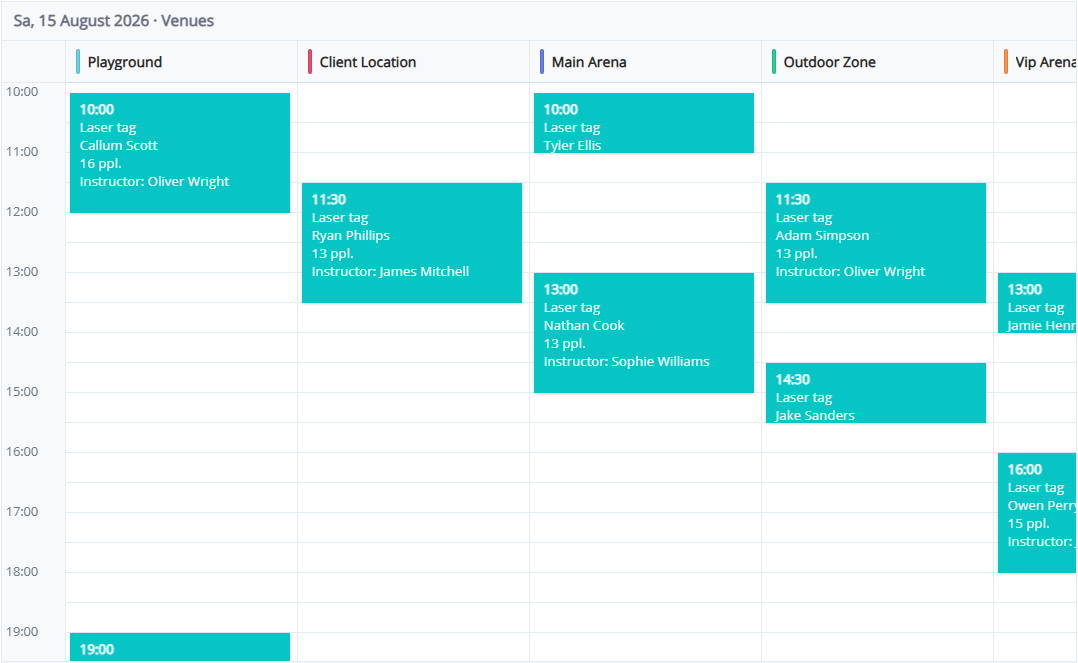
The second card shifts slightly right and down, so the first one stays visible. In the Venues view both cards sit in that arena’s column. Switch next to the gear: Calendar · Venues · Board.
Instructor and equipment
An employee can have Can host several groups at once — for a banquet host. Their other games do not block the slot. Off means the instructor stays on one game, including the break after it.
The same equipment kit cannot be saved on overlapping times. Different kits can.