To enter data for a new cash register, click the Add cash register button in the main window of the subsection.
In the window that opens, enter the Name of the cash register using the keyboard, select the Type of the cash register from the list (goods or services).
If specialists working in the CRM system are allowed to view and create transactions for the cash register, check the Employee access checkbox. Otherwise, the cash register data and the list of transactions will only be available to a user with administrator rights.
To enter the initial balance at the cash register, fill in the Initial amount field.
Click theSave button to apply the changes.
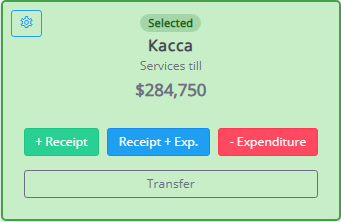
If necessary, the name and availability of cash register data to CRM system employees can be edited using the  . Cash registers added manually can be deleted using the .