In the Partners section you can create LASERWAR CRM accounts for rental clubs operating under your brand in order to organize and control their work.
To add a club, click the button of the same name on the right side of the main window.
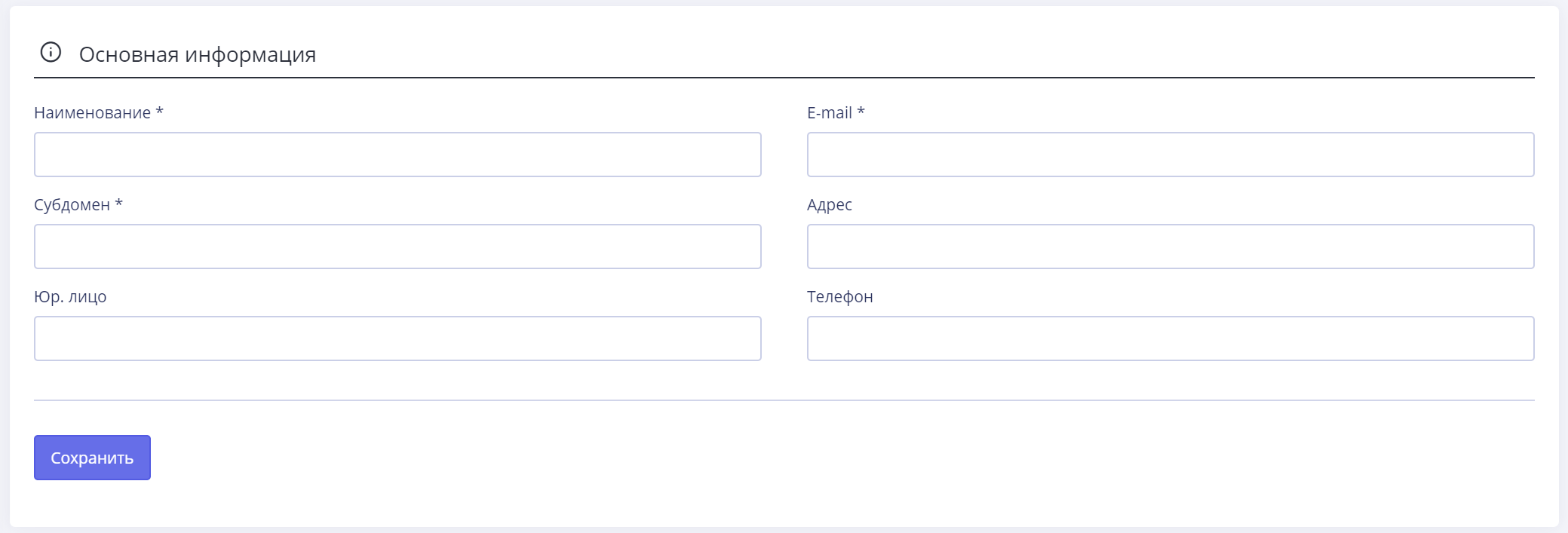
In the appropriate fields, enter the name of the club, data of the legal entity - address, telephone, email. Required fields are marked with an asterisk. Click the Savebutton to apply your changes.
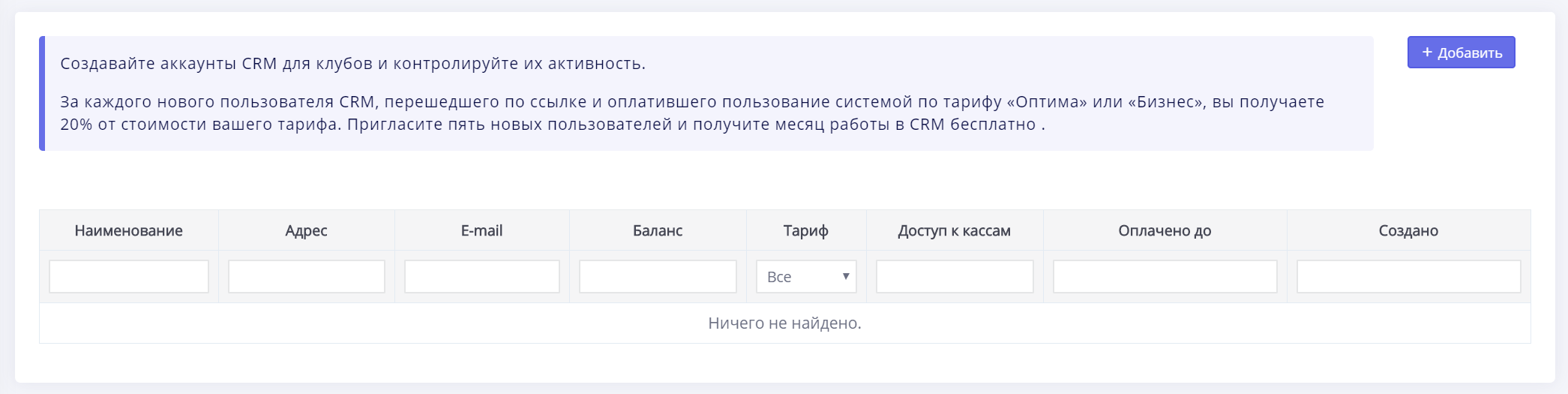
The window that opens will display a list of your partner clubs. In the Access to cash registers column, you can check the boxes opposite the items Services and (or) Products. In this case, access to your respective cash desk will become common to partner clubs. If the checkboxes are not checked, access will not be granted. Read more about working with the subsections Services and Products in the corresponding menu of the LASERWAR Database CRM.

Click on the link in the Address column to go to the partner’s CRM. Here you can get acquainted with the main performance indicators of the partner rental club (for example, view the list of employees registered in the system, warehouse of equipment and goods, game calendar, etc.).
For each new LASERWAR CRM partner you register in the system, you will receive 20% of the cost of your tariff. Invite five partners and get a month of work in LASERWAR CRM for free.