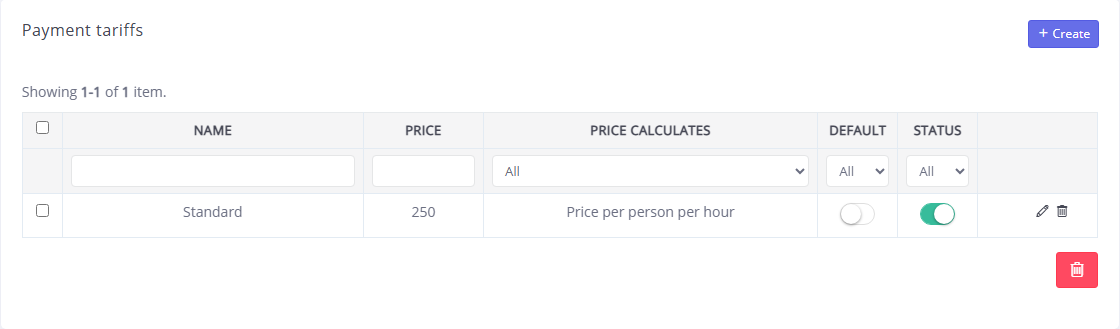
In the "Tariffs and balance" section, Laserwar CRM tariff plans are available for viewing and activation. Here you can also view and make transactions with your account balance on the Laserwar CRM portal.
View and top up your balance
The upper part of the window displays information about the connected tariff, the current balance and the date of the next debit.
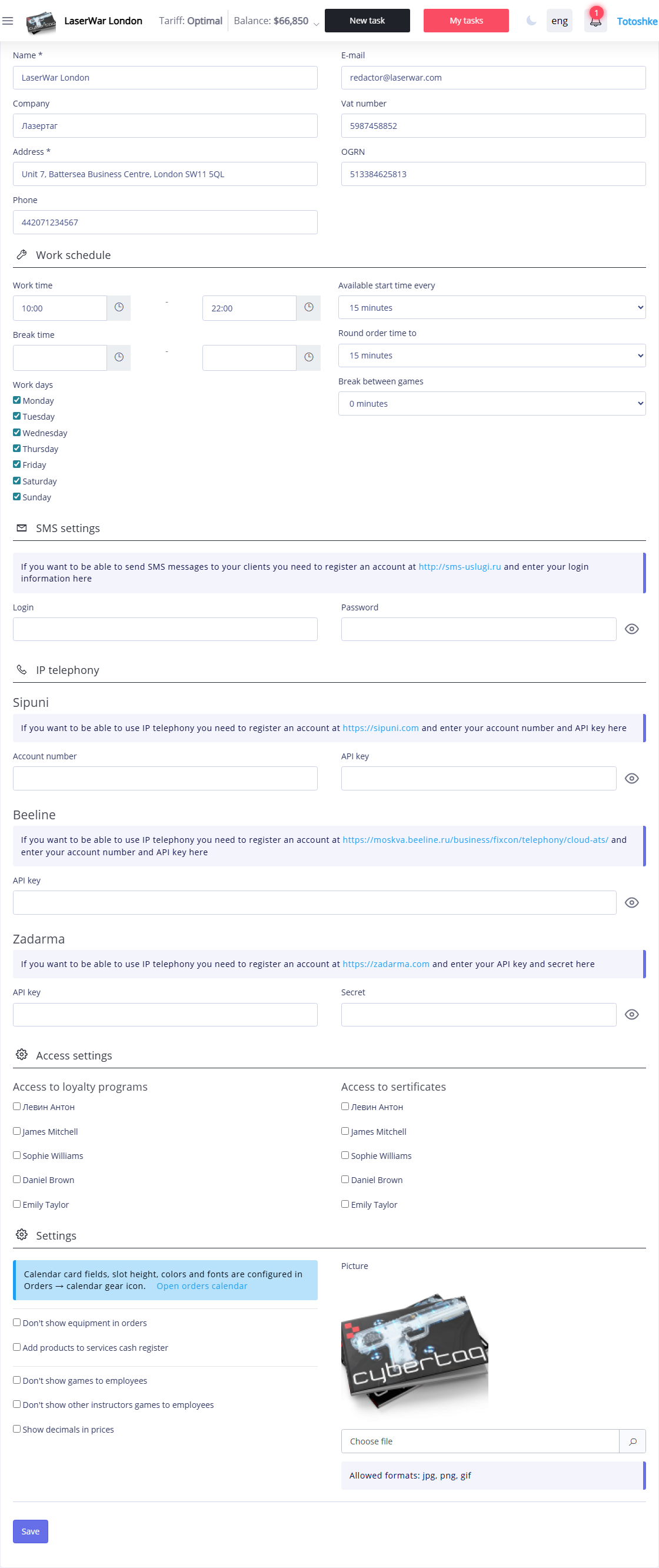
If there are not enough funds in the account for the next debit, a message will be displayed on the screen with the amount that needs to be additionally deposited before the start of the next period.
To deposit funds into your account, click the Top up balance button. If you have a promotional code, enter it by clicking the Enter promotional code button.
If necessary, you can use emergency access to the portal (free access to the system for 1 day). To do this, click on the Emergency access button. The emergency access function is convenient if it is not possible to quickly top up your balance, but you can use it once a month.
Selecting a tariff plan
Descriptions of available tariff plans are displayed at the bottom of the window. Select the tariff plan that suits you and click the Connect button. A message indicating successful connection to the tariff plan will be displayed on the screen. If there are not enough funds in your balance to connect to the selected tariff plan, a message will appear at the top of the window indicating that you need to pay an additional amount before the start of the next payment period.