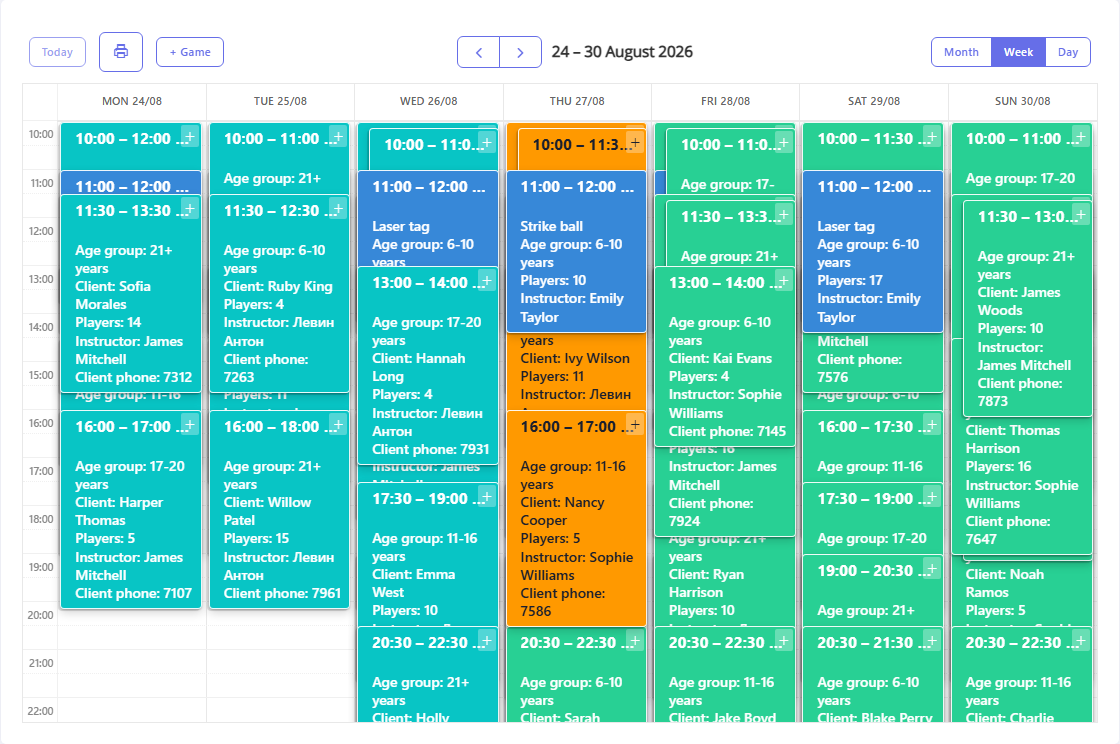
To enter details for a new game, click the +Gamebutton above the calendar or list of games (you can also just click the desired line in the calendar). This will open a window in which you must enter the application data (required fields are marked with an asterisk).
- Game date - the date on which the game is scheduled (entered from the keyboard or selected from the drop-down calendar).
- Game time - the start time of the game. To fill out this field, click the
 and select the required time in the window that appears. In this list, available positions are displayed in green (for which there are no games scheduled), gray - unavailable (games are already scheduled for this time), blue - break time.
 - Duration (hour) - duration of the event in hours (this field is filled in from the keyboard with an integer).
- Age group - the age composition of the event participants (setting up the list of age groups is described here, if necessary, you can add a new value to the list using the + button).
- Game type - type of game battle: paintball, airsoft, etc. (setting up game types is described here, if necessary, you can add a new value to the list using the + button).
- Place type - game category: open game, festival, etc.
- Number of players - the number of participants in the event.
- Equipment - a set of units or complete sets of gaming equipment necessary for the event (working with the list of equipment is available only if in the section "Settings" - "General settings" - the Do not keep track of equipment in applications checkbox is not selected):
- Equipment - on this tab you can select a list of equipment to reserve for your application. This list is generated in the subsection Warehouse - Equipment. Only equipment for the game type specified in the field of the same name is available for selection. Additionally, you can filter the list of equipment items by category using the buttons located at the top of the additional window. The list shows only those pieces of equipment that have an available balance as of the date and time of the game. To reserve equipment for the game, indicate the required Quantity (if the specified amount of equipment exceeds the available amount, the maximum available number of equipment units will be added to the game card).
- Configurations - on this tab you can select configurations of gaming equipment to reserve for the game. The formation of complete sets is carried out in the subsection Warehouse - Complete sets. Only equipment for the game type specified in the field of the same name is available for selection. The list shows only those units of equipment that have an available balance at the date and time of the request. To reserve equipment sets for the game, indicate the required Quantity (if the specified amount of equipment exceeds the available one, the maximum available number of equipment sets will be added to the request).
- Cost - the full cost of the game in rubles.
Additional information
- Instructor - select an instructor from the list to conduct the game.
- Note - in this field you can leave a comment on the application.