The "Service" subsection displays a list of pieces of equipment that require repairs, and also enters data on routine and repair work.
To work in the subsection, go to the "Warehouse" section in the main menu and select "Service".
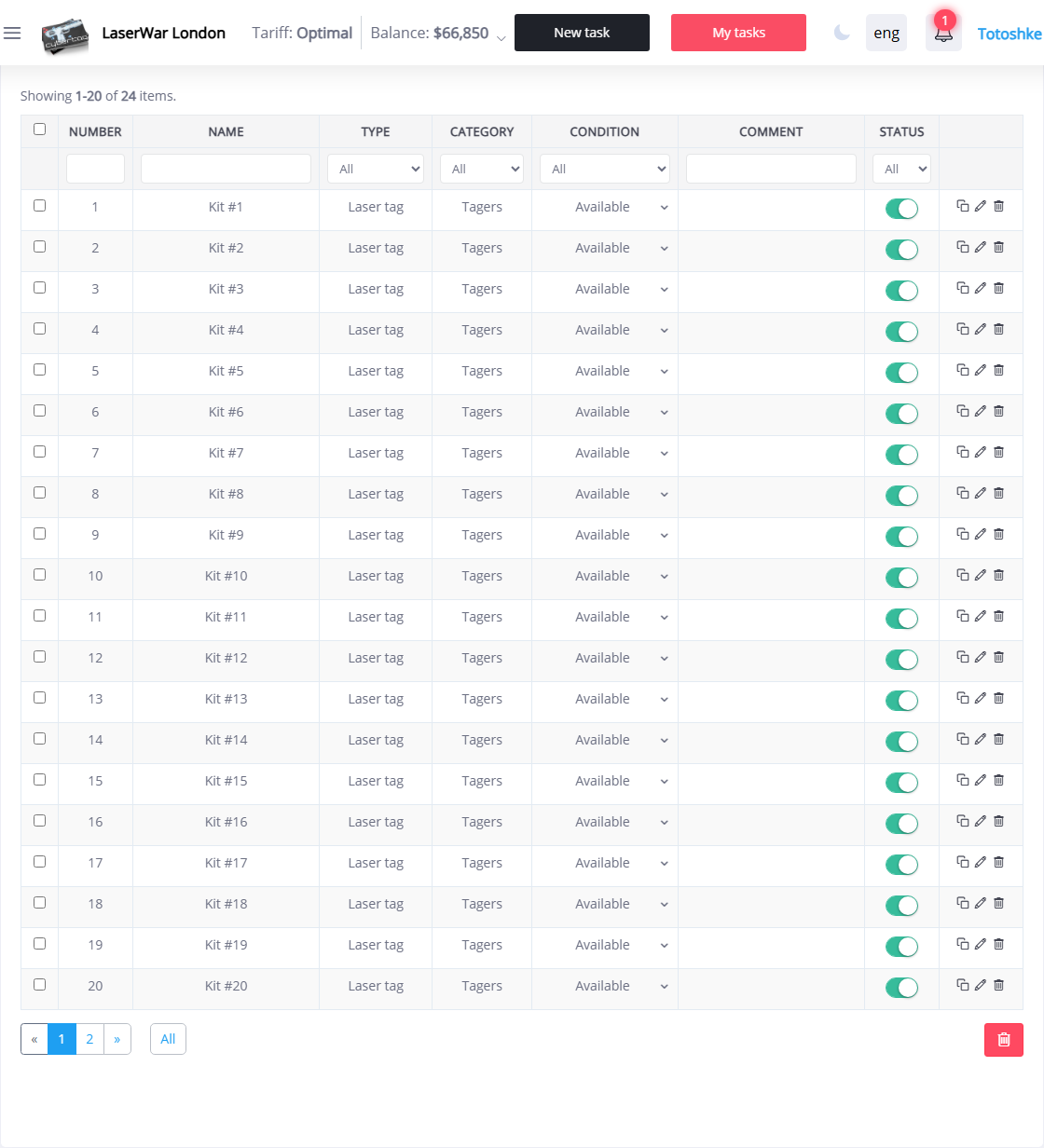
Equipment is included in the list if its status is set to "Repair required" in the section "Warehouse" - "Equipment".
The list can be filtered by the value of any column in the top row of the table.
To enter the data of the performed service work, click on the line with the equipment data. In this case, an additional window will be displayed on the screen, in which you should indicate the date of the repair (using the keyboard or using the drop-down calendar) and the cost of the work. If necessary, you can leave a comment (for example, a description of the work performed).
Click theSave button to apply the changes.