When you select the "Application Form" subsection, a widget configuration window opens, designed to generate an application for an event.
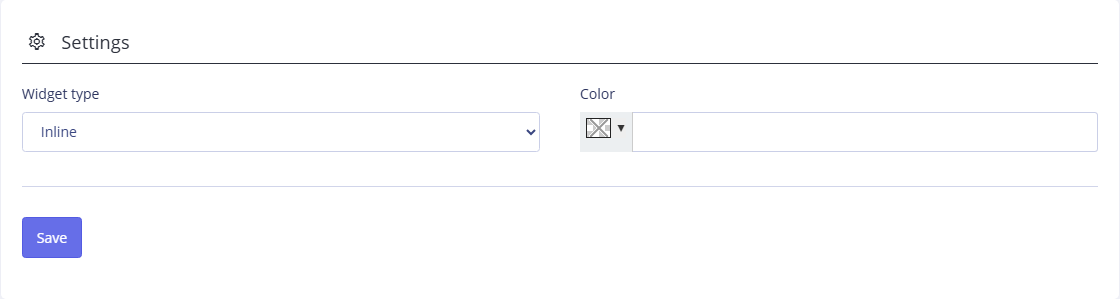
At the top of the window you can configure the widget parameters.
The Widget type field is filled in using the drop-down list. When you select the "Pop-up widget" option, a Order game button is displayed, which, when clicked, opens a similar form. If you select the "Embedded Widget" option, it will be an application form into which you can enter data directly.
In the Color field, select the shade of the color scheme in which the widget should be displayed.
When all the settings are configured, click the Save button to apply the changes and preview the widget's appearance in the Preview area. Also, when you click the Save button, a Widget code is generated in the area of the same name, which should be copied and added to the HTML code of your site page. A description of filling out an application is presented in the section "Formation of an application".