Laser tag booking with a deposit: from enquiry to confirmed payment
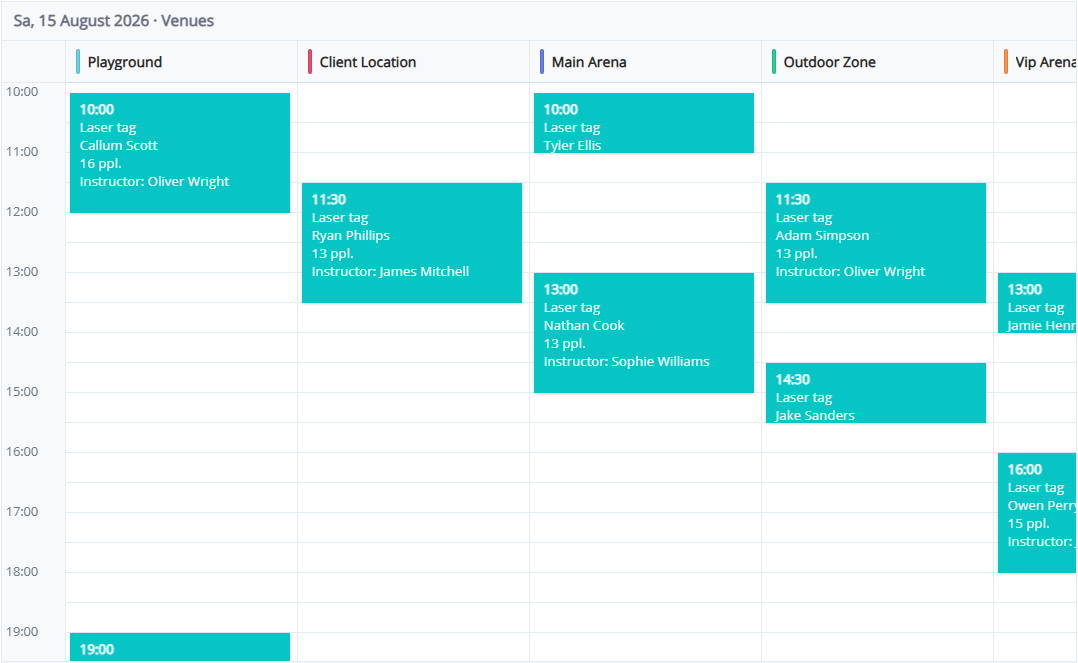
An enquiry, a reservation and a paid booking are different stages. Guests may request a time before agreeing the package or paying a deposit. A clear workflow helps every administrator understand what has been confirmed and what still needs attention.
In LASERWAR CRM, online booking and acquiring serve related but separate purposes. Online booking brings the request into the system. A payment link can collect an agreed amount where the club has a supported provider. Submitting a booking form should not be described as automatically completing payment.
Test the guest's booking journey
Set up venues, services and the working schedule. Walk through the guest-facing form yourself. Check the information guests see and confirm that their request reaches CRM.
The administrator then checks the programme, player count, available resources, additional services and total price. For a group event, clarify the organiser's requirements before requesting money.
Configure acquiring and booking statuses
Connect the provider using credentials issued to your club. Eligibility, currencies and payment processing are provider-specific; confirm suitability for your country before relying on this workflow.
Three states help the team: awaiting payment, deposit received and fully paid. The acquiring settings include a tool for creating or renaming the payment-link statuses for the selected bank. Check that each state is assigned to the appropriate event.
Create and share the payment link
Save the booking and check its price before generating the link. Verify that the requested amount matches the agreement. The amount depends on the order and deposit settings, so administrators should inspect it before sending.
Use the available delivery channel or copy the link. A provider-backed message and a share window that requires manual sending are different workflows. Opening a messenger is not evidence that the guest received the message.
Confirm payment in the system
Wait for the provider's successful-payment confirmation to be processed. Check the booking amount and state. A guest's screenshot should not replace provider confirmation.
For an illustrative £200 booking with a £60 deposit, the team needs to distinguish the deposit from the £140 balance. This illustrates the accounting workflow; it does not establish that a particular acquiring provider supports GBP.
Handle changes separately
Explain rescheduling and cancellation terms before payment. If the event moves, review the new time, resources and amount already received. Changing a booking to cancelled does not by itself prove a refund was processed.
Before launch, verify the full path: request received, correct price, correct recipient, successful payment confirmation and the expected booking state. Explore the organisational workflow in LASERWAR CRM.