New client data is entered in the "Clients" subsection.
In the data editing window, you must use the switch to specify the client type: “Individual” or “Legal entity.”
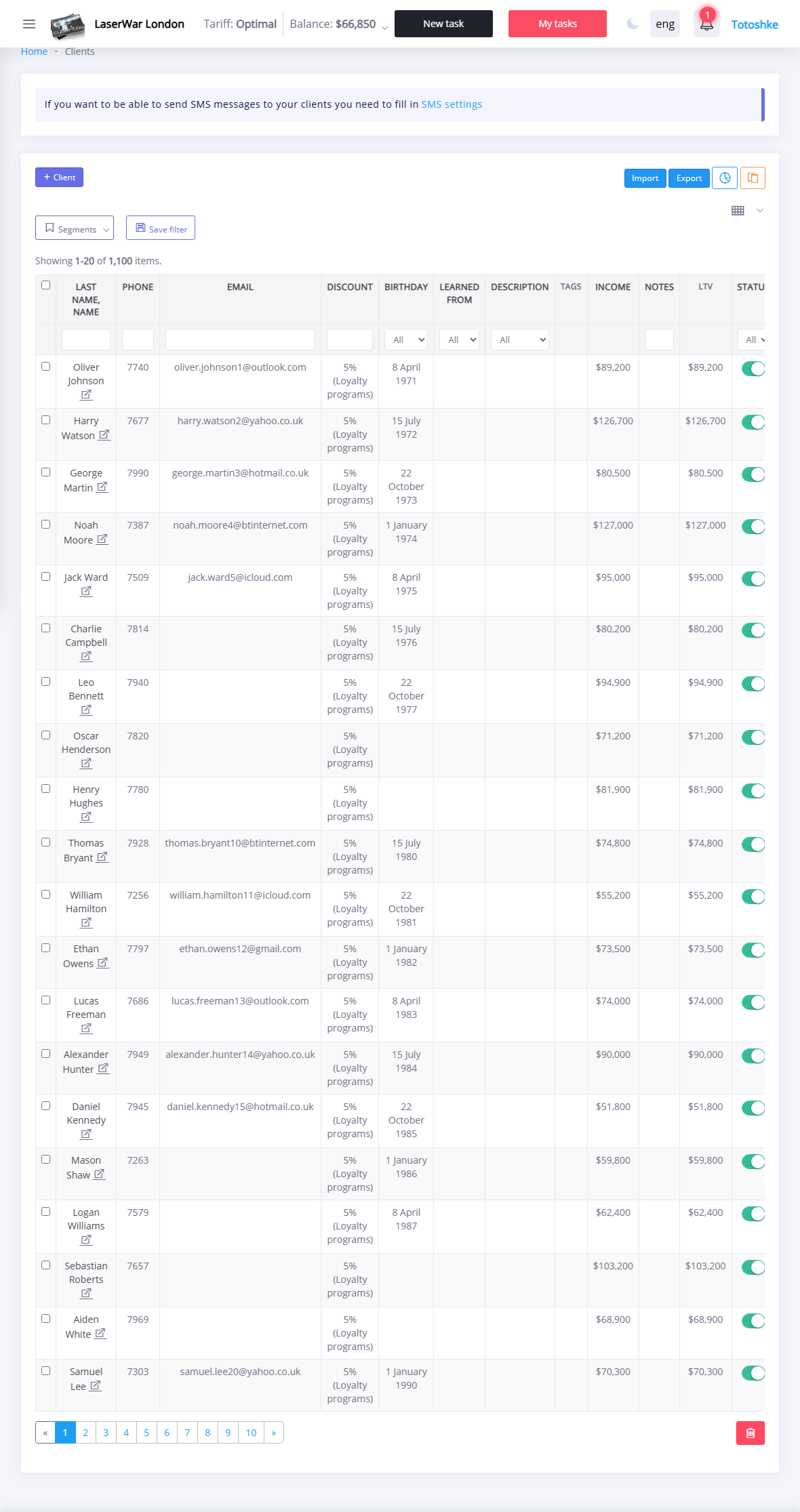
If the "Legal entity" value is selected, the window displays an additional field Company, which must be filled in using the keyboard. Otherwise, filling in the data is the same (required fields are marked with an asterisk):
- Last name, first name;
- Phone - contact phone number (in international format without the “+” sign);
- Where did you find out about us - source of information about the club (the list of information sources is formed in the section "Settings" - "Clients" - "Where did you find out about us").
If necessary, fill in additional fields:
- Email - email address for communicating with the client and sending out mailings;
- Date of birth - filled in using the keyboard or using the drop-down calendar (in the future, the client can receive mailings with birthday greetings);
- Discount - personal discount in percentage or in rubles (if this field is filled in, the loyalty program parameters will not be applied to the client; a personal discount is assigned by default).
- Description - client characteristics (formation of a list of customer descriptions is described in detail here);
- Note - additional information that a manager may need in his work;
- Status - must be enabled for a new client. An inactive client should be set to "Disconnected" and its data will not be displayed in the selection lists.
Click theSave button to apply the changes.